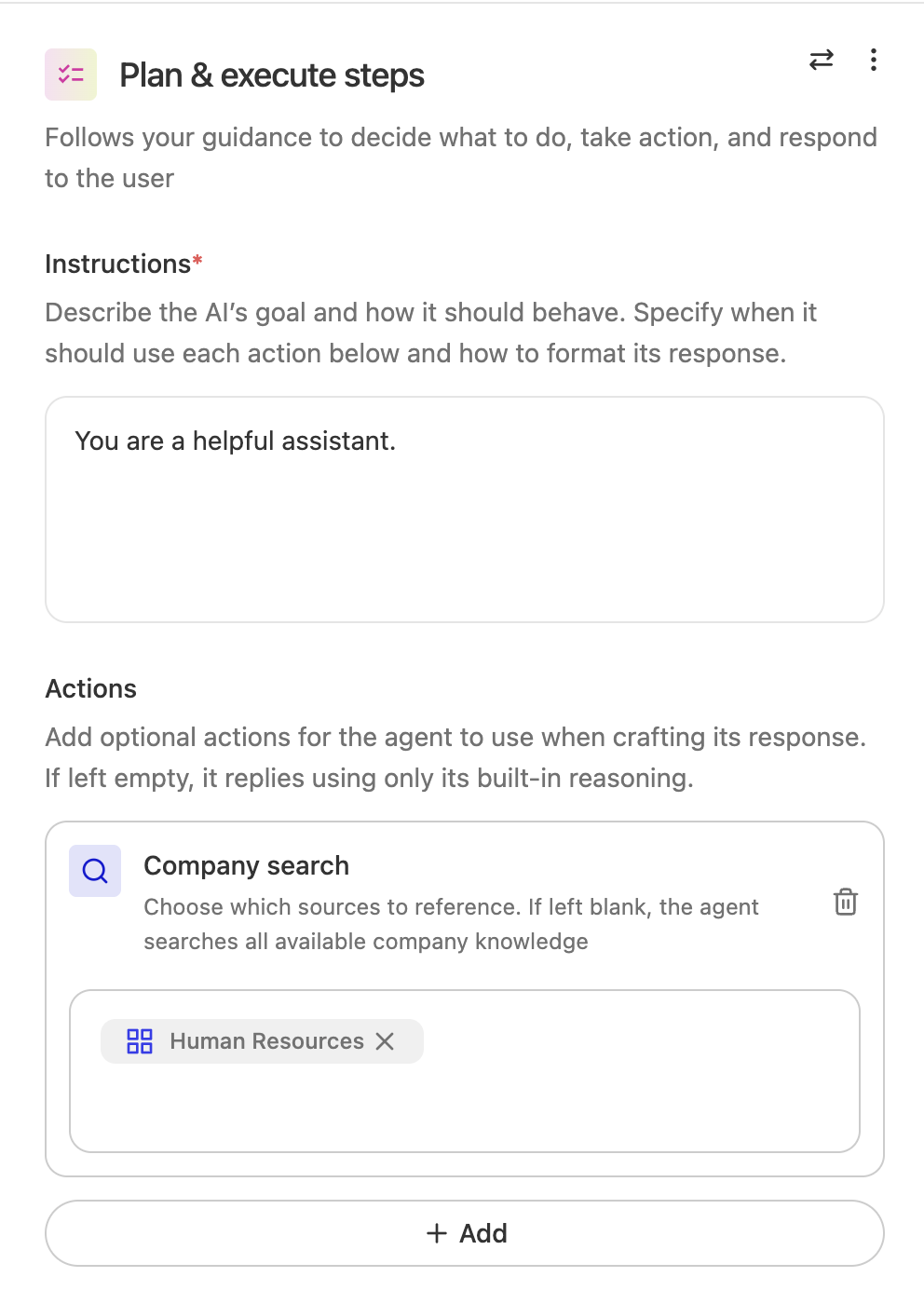
Plan and execute steps
Plan & execute steps use agentic reasoning to follow your guidance, decide what to do, choose which apps to use, and respond. Instead of selecting individual actions one by one for this step, you give the step access to supported apps, and Glean uses the relevant capabilities within those apps to complete the task.
Adaptive Planning
Adaptive Planning performs iterative reasoning for complex tasks. It continuously plans and re-plans as it learns, keeping ideas that hold up and dropping those that don't. This makes it effective for creative and strategic work, tasks requiring nuance and exploration, and finding the right information even when you're not sure how to ask.
The system orchestrates across your enterprise tools and third-party agents, pulling relevant context from calendars, data warehouses, databases, and codebases. It selects the right tools for each job to complete work end-to-end, and the experience is interactive, allowing you to ask follow-up questions and dig deeper as you go.
Planning Modes
Plan & Execute offers two modes that allow you to optimize for either speed or thoroughness:
Basic Mode: Basic Mode uses the same architecture as before and honors your previous model selections, ensuring uninterrupted agent usage as you explore adaptive planning. This mode uses no reasoning.
Fast Mode: Tries to answer questions quickly with limited re-planning and less compute allocated toward reasoning. Best for straightforward tasks requiring quick responses.
Thinking Mode: Spends additional time thinking through questions to thoroughly answer them. Adaptive Planning operates at full capacity, reasoning harder, thinking more deeply, and planning/re-planning more frequently. Best for complex tasks requiring deep reasoning capabilities.
Because this step relies on agentic reasoning, only language models in the "agentic reasoning" class can power this functionality. Available models include:
- GPT-5
- Claude Sonnet 4.6
Building with Plan & Execute
Configure a Plan & Execute step by choosing which connected apps it may use, for example Jira, Slack, Gmail, or Google Docs instead of selecting every action one by one. Glean picks the right actions inside those apps to complete the task. That keeps setup lighter and matches how you grant access elsewhere such as while using MCP.
Existing Plan & Execute agents that already reference individual actions continue to work as-is. Glean migrates the experience without requiring customers to rebuild those agents, and it does not automatically expand the agent to new actions from that app.
If one step used several actions from the same app and any of those actions required confirmation, then every action from that app in that step still requires confirmation.