Disabling Microsoft Actions in Glean
Microsoft Actions can easily be turned off if you would like to turn them off.
Customers can easily do this by following these steps:
- Go to Glean and navigate to Admin -> Actions,
- From the Actions list that appears, select Microsoft Actions and go to the Microsoft Actions page
- Then do one of the following:
-
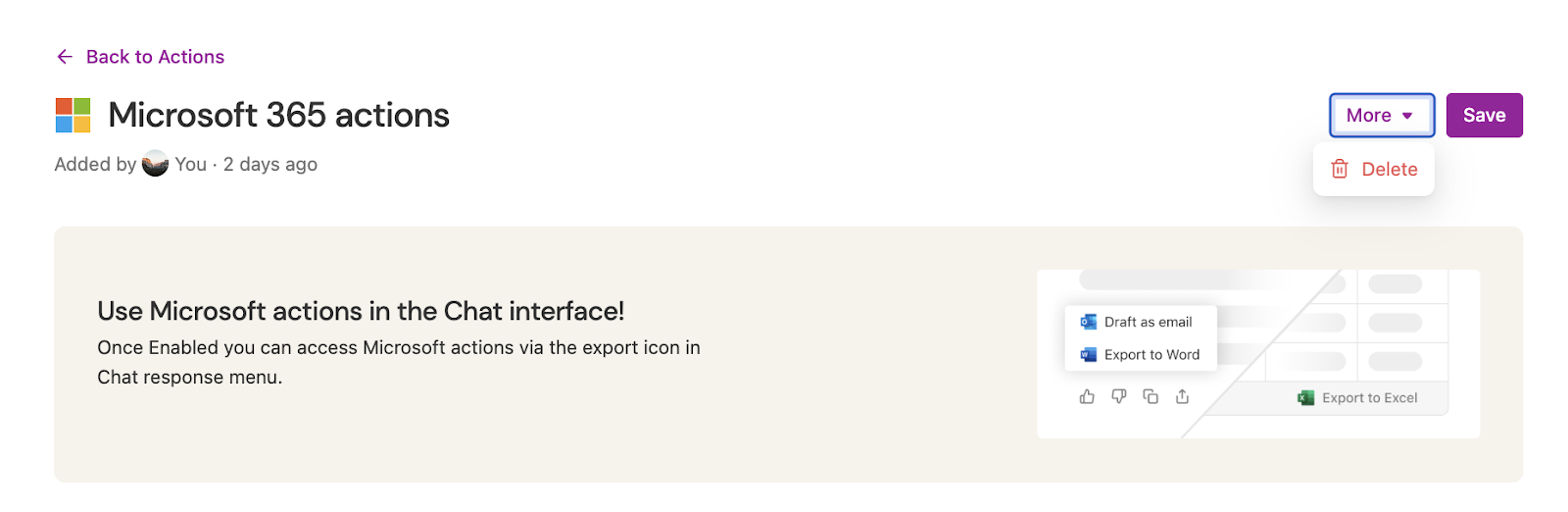
Either delete the whole action pack by clicking on "More" and then Delete
-
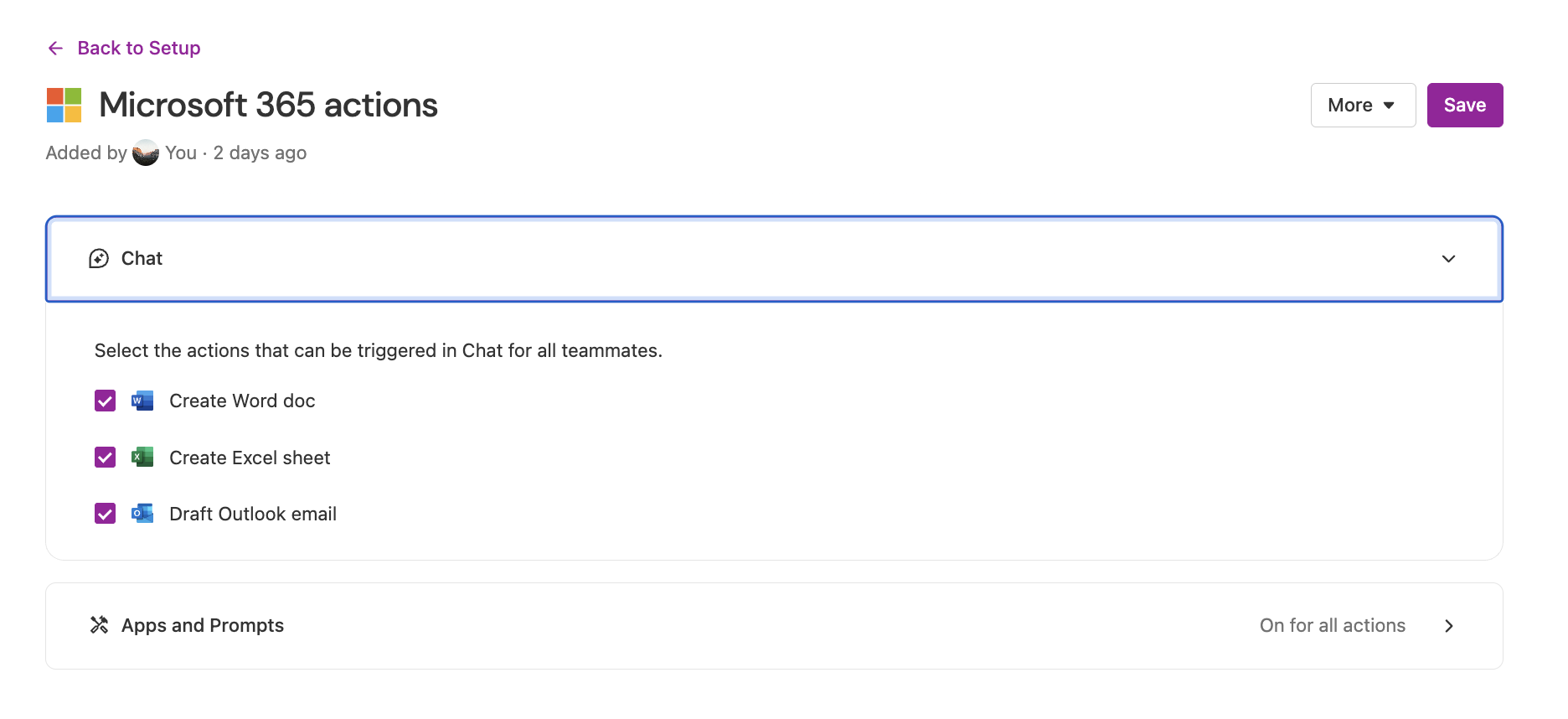
Or if you want to disable Microsoft actions from appearing in a specific surface (e.g. don't allow Microsoft actions to trigger as follow-ups in chat responses but still allow them to be available as an export option). Follow these steps:
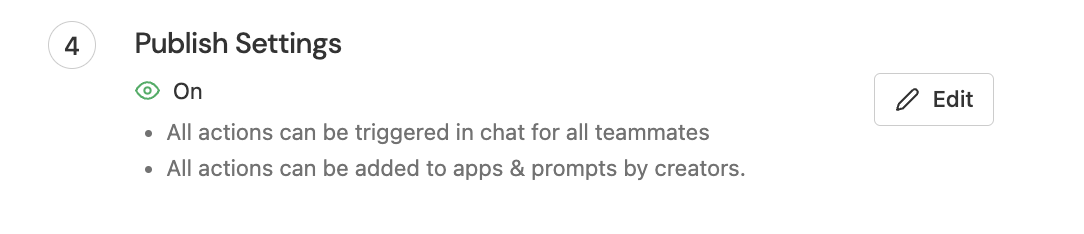
- Scroll down to Publish settings in the Microsoft Actions page.
- Click on Edit.
- Toggle off any surface they don't want Microsoft Actions to appear in.
-