Set up Grafana service credential
A Grafana service credential connects Glean to Grafana's MCP server with a service account API key instead of per-user OAuth. Use it when an agent should act under a shared, non-human identity rather than an individual person's login. By default, only agent builders can attach it.
Glean adds the API key to outbound requests to the Grafana MCP server, so the agent never sees the raw key.
- Authentication: Grafana Cloud service account API key (Bearer)
- Scope: The Grafana dashboards, data sources, and traces the service account can access
- Access: Read and write (governed by the service account's Grafana role)
Prerequisites
Complete the following prerequisites:
- Have a Grafana Cloud account with admin access.
- Have a Grafana Cloud service account with an API key.
- Have your Grafana Cloud stack ID (the subdomain of your Grafana Cloud URL, for example,
mycompanyfrommycompany.grafana.net). - Work with a Glean administrator who can create service credentials.
- Enable the Grafana MCP template for your deployment. If you don't see it in the MCP server catalog, contact your Glean representative.
Create a service account and generate an API key in Grafana Cloud
Refer to the Grafana documentation for creating service account credentials:
To create the service account and token:
- Sign in to Grafana Cloud as an administrator.
- Go to Administration → Service accounts.
- Click Add service account.
- Fill in the details:
- Display name: A descriptive name, for example, "Glean Agent."
- Role: Select the minimum role the agent needs. Viewer is recommended for read-only access. Use Editor only if the agent must create or modify dashboards.
- Click Create.
- On the service account's detail page, click Add service account token.
- Give the token a descriptive name, for example, "Glean Agent Token."
- Set an expiration if your organization requires it, or leave it as "No expiration" if permitted.
- Click Generate token.
- Copy the token value — you'll need it when creating the service credential in Glean.
Store the token securely. You won't be able to view it again after leaving the page.
Create the service credential in Glean
- In Glean, go to Admin console → Tools → Add → Vendor Provided Tools (via MCP).
- Search for Grafana MCP.
- Fill in these fields:
-
MCP server URL: Construct the URL from your Grafana Cloud stack ID:
https://<stack_id>.grafana.net/api/datasources/proxy/uid/grafanacloud-traces/api/mcpReplace
<stack_id>with your Grafana Cloud subdomain. For example, if your Grafana Cloud URL ismycompany.grafana.net, the MCP server URL is:https://mycompany.grafana.net/api/datasources/proxy/uid/grafanacloud-traces/api/mcp -
Transport type: Select Streaming HTTP.
-
Authentication method: Select Your own API Key (you will be responsible for managing usage capacity).
-
API key: The service account token you generated in Create a service account and generate an API key in Grafana Cloud.
-
- Select Save.
After the tools sync, enable the Grafana actions for the intended agents.
Attach the credential to an agent
-
Go to Agents in Glean.
-
Select the agent to which you want to add the service credentials.
-
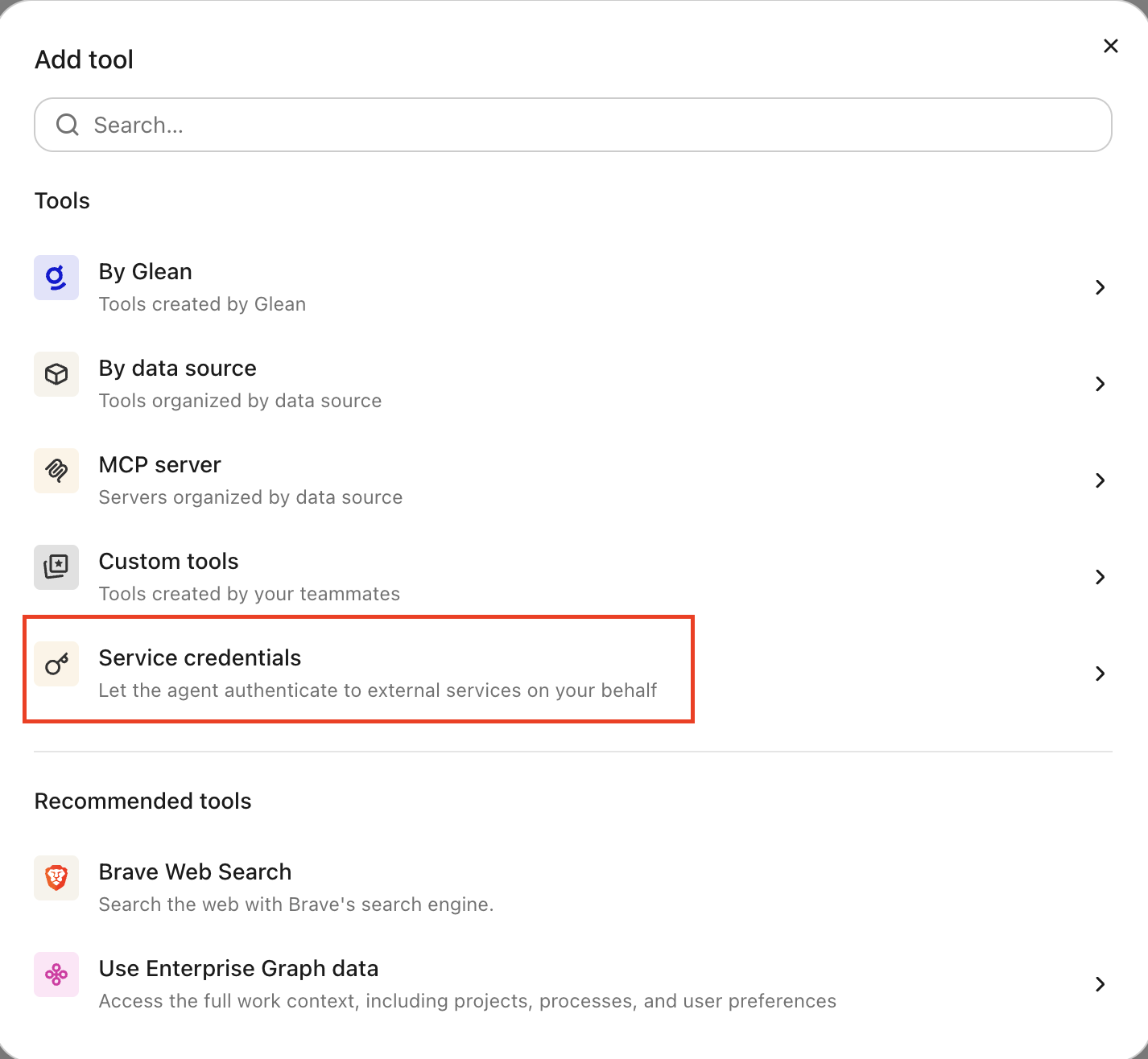
In the Tools tab, select Service credentials and select the Grafana service credential you created.
Verify it works
Ask the agent to list dashboards, for example, "Show me the dashboards in the Production folder." If it returns results, the credential is working.
What the agent can do
With a Grafana credential attached, the agent can query Grafana:
- Search and list dashboards by folder or tag
- View dashboard panels and annotations
- Check alert rule statuses and notification states
- Query traces and connector health
The agent operates under a non-human identity scoped to the service account's role.
Security and operational notes
- Token-based auth: Glean stores the service account token in the credential broker and injects it as a Bearer header into outbound requests. The agent runtime never receives the raw token.
- Least privilege: create the service account with the Viewer role unless the agent must modify dashboards or alerts. Grant only the minimum role the agent needs.
- Revocation: to cut off access, delete the service account token in Grafana or remove the Grafana service credential in Glean.