Troubleshooting
CMD+J / CTRL+J Keyboard Shortcut Stops Working
Sometimes, the Glean shortcut (command + J) suddenly stops working. It could happen due to updates from the Chrome side or maybe due to another extension.
To fix this problem, you need to reset the browser shortcut for Glean. To reset the shortcut:
-
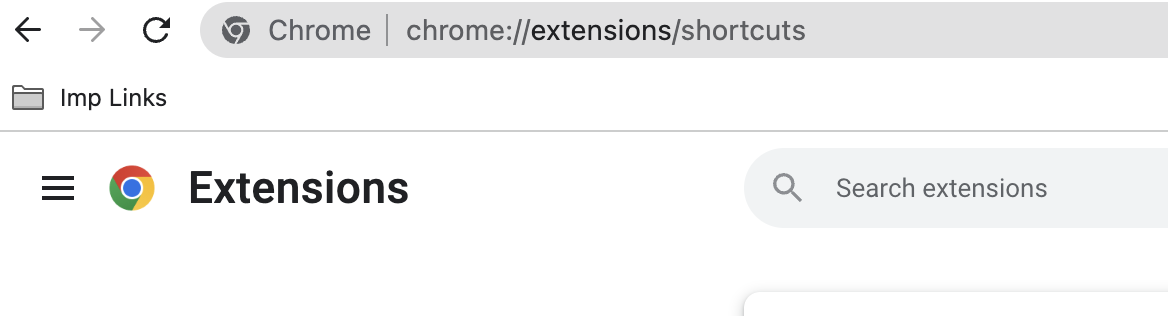
Go to chrome://extensions/shortcuts
-
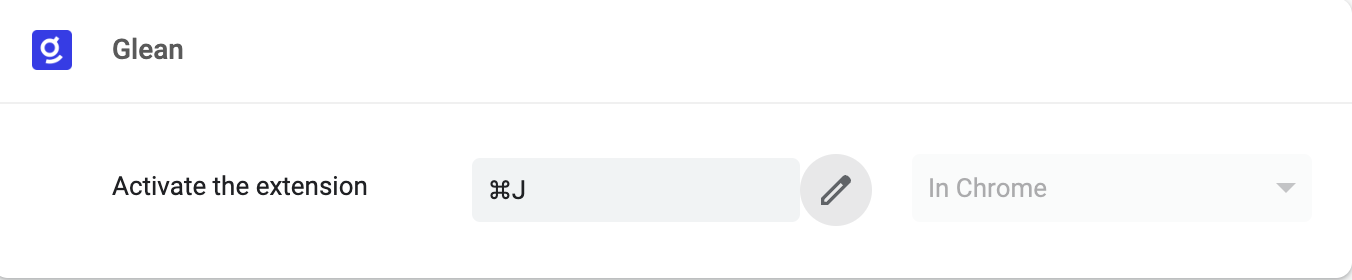
Edit 'Activate the extension' under the Glean app.
-
Add cmd + J (if already added, please edit it and enter again).
-
Refresh the page and try.