Glean for Desktop
The macOS version of Glean for Desktop distributed through the Mac App Store is deprecated and is no longer available for new installations. Existing App Store users should migrate to the supported direct-download build. Learn more about the deprecation and installation options.
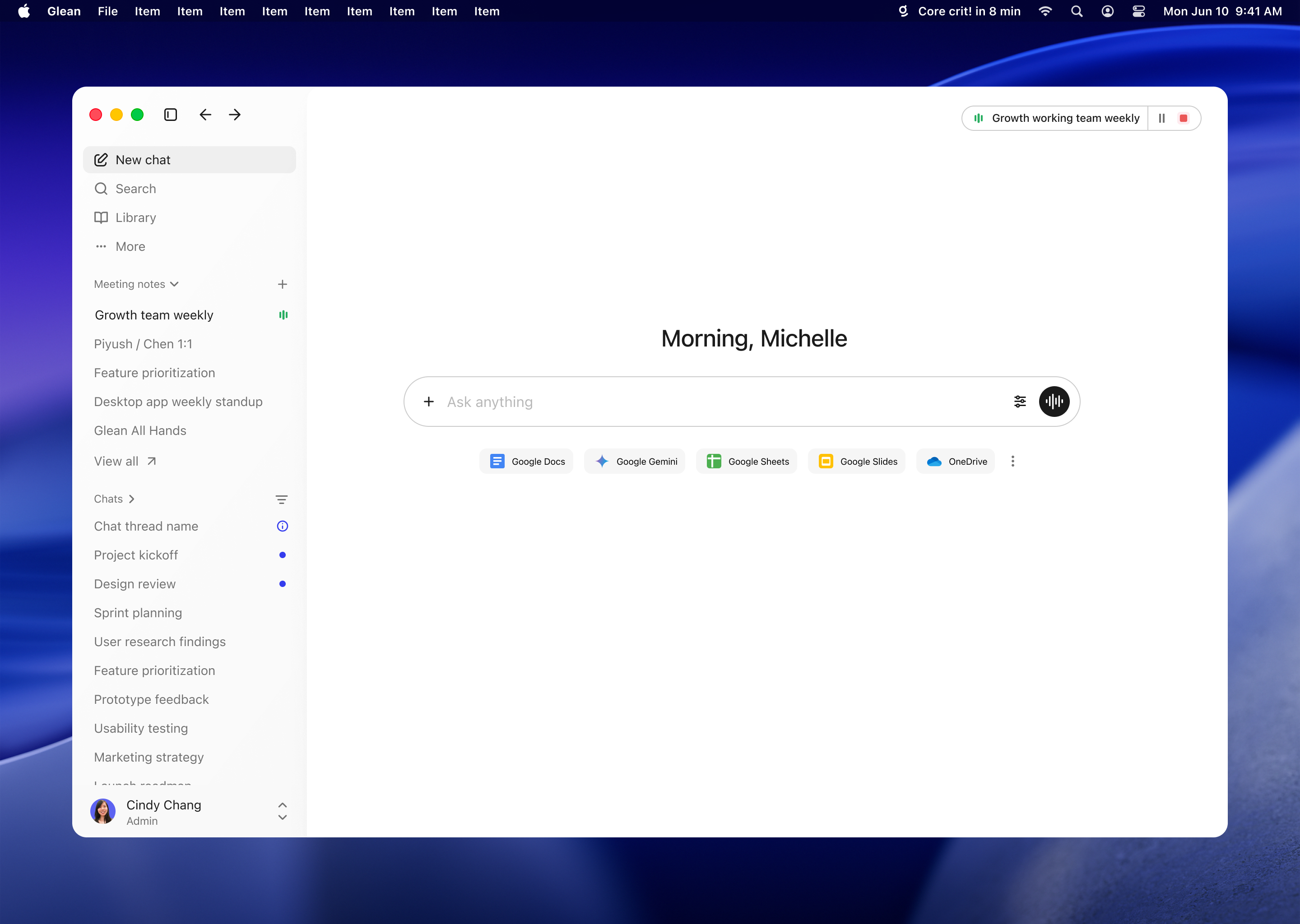
With Glean for Desktop, users can invoke Glean from any application and type a query to run a search or start a chat conversation with Glean.
Open it from the menu bar (macOS) or system tray (Windows), or with the quick entry shortcut, to start a Glean chat:
- Cmd+Shift+J on macOS
- Ctrl+Shift+J on Windows
Mac App Store version deprecation
Glean is retiring the Mac App Store distribution path for the macOS desktop app. This does not retire Glean for Desktop. The supported direct-download build provides the complete desktop feature set.
For managed deployments, install the signed PKG through your organization's MDM, such as Jamf or Kandji. You can pre-stage PPPC permissions, control automatic updates for phased rollouts, and use the stable PKG URL. For rollout instructions, see Deploy Glean for Desktop for macOS.
For individual installations, direct users to download the DMG or use Glean Settings → Install. The Glean for Desktop user guide includes the user installation options.
Download the app
Your users can install the desktop app from their Glean install settings, or download it directly using the following links.
For macOS:
For Windows:
Enterprise deployment
Deploy Glean for Desktop across your organization using your device-management solution.
For individual installation, users can download Glean for Desktop from their Glean install settings.
App settings
In the app's settings, users can adjust the following:
- Quick entry shortcut controls the keyboard shortcut that opens quick entry from anywhere on their machine. It's Cmd+Shift+J on macOS and Ctrl+Shift+J on Windows by default, and can be changed to any key combination.
- Hide menu bar icon hides the Glean menu bar icon on macOS when turned on.
- Hide from dock hides the Glean icon from the macOS Dock. If the app is pinned to the Dock, its icon isn't hidden even when this setting is turned on.
- Open quick entry results in browser opens search and chat queries from quick entry in the default browser rather than the Glean app window, similar to the default Spotlight behavior on macOS.
Important notes
- Glean doesn't search local files, such as content on the user's desktop.
- macOS requires version 12 ("Monterey") or later.
- Windows requires Windows 10 or later, on 64-bit (x64) or ARM64.