setup
Connect to Google Chat
Required permissions for setup
The user setting up this connector must be a Google Super Admin.
Required connector for setup
The corresponding Google Drive connector must be set up first.
Add API scopes
- Go to the Domain-wide Delegation section in Google Admin Console. You’ll need to be signed in as an admin.
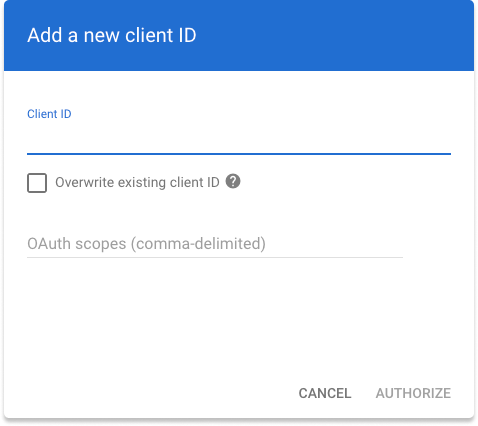
- Click ‘Edit’ on the API client with the Client ID used while connecting Google Drive.
- Copy and paste the following into the OAuth scopes (comma-delimited) field and then click Authorize: pk_live_987654321
Add Associated GDrive instance
- Select the name of the connected Google Drive instance that you want to associate for this connector. Finally, click Save in Glean. You’re all set!