Permissions
Simply stated: Glean provides the same search permissions enforcement as Google Drive with a small, notable exception for documents with public or domain access which are shared in a public collaboration channel.
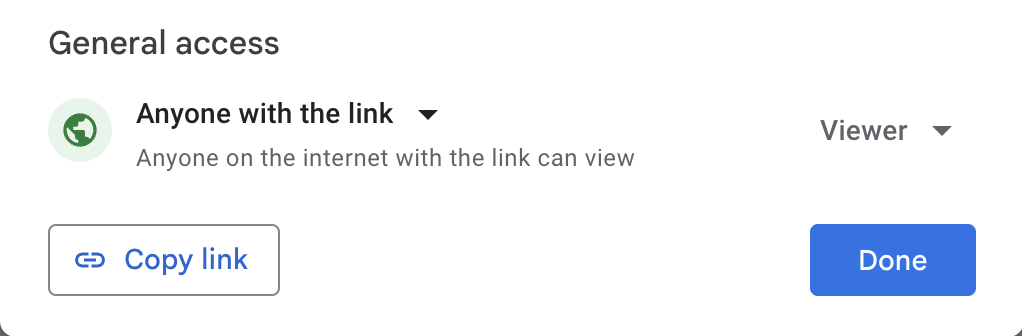
If a particular Google document (document, spreadsheet, slide, etc) is set to "General access: Anyone with the link" OR Shared to your specific company domain, the doc will not be visible to Glean search users except in the following scenarios:
-
The user has already accessed the document
-
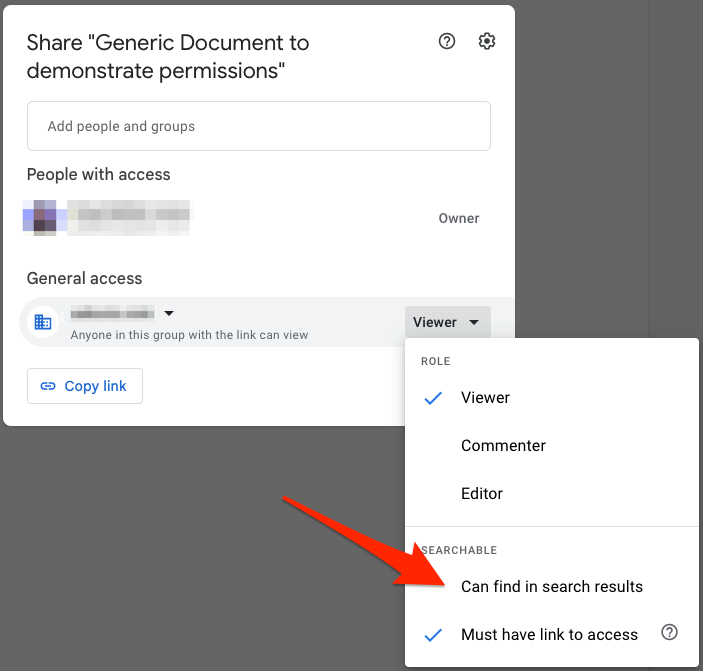
For files shared to your specific company domain: The option for "Can find in search results" is toggled to "On"
The Searchable → Can find in search results setting also affects agents and Glean Assistant in Slack. When an agent is published to a Slack channel with the Visible to everyone option — or when Glean Assistant uses public mode — only documents with Can find in search results enabled appear in responses. Documents set to Must have link to access aren't discoverable, even if shared to the company domain.
-
The user is a member of a Slack channel where a link to the file was shared. This is optional and can be disabled.
-
A link to the file has been pinned, and the user is part of the pin audience
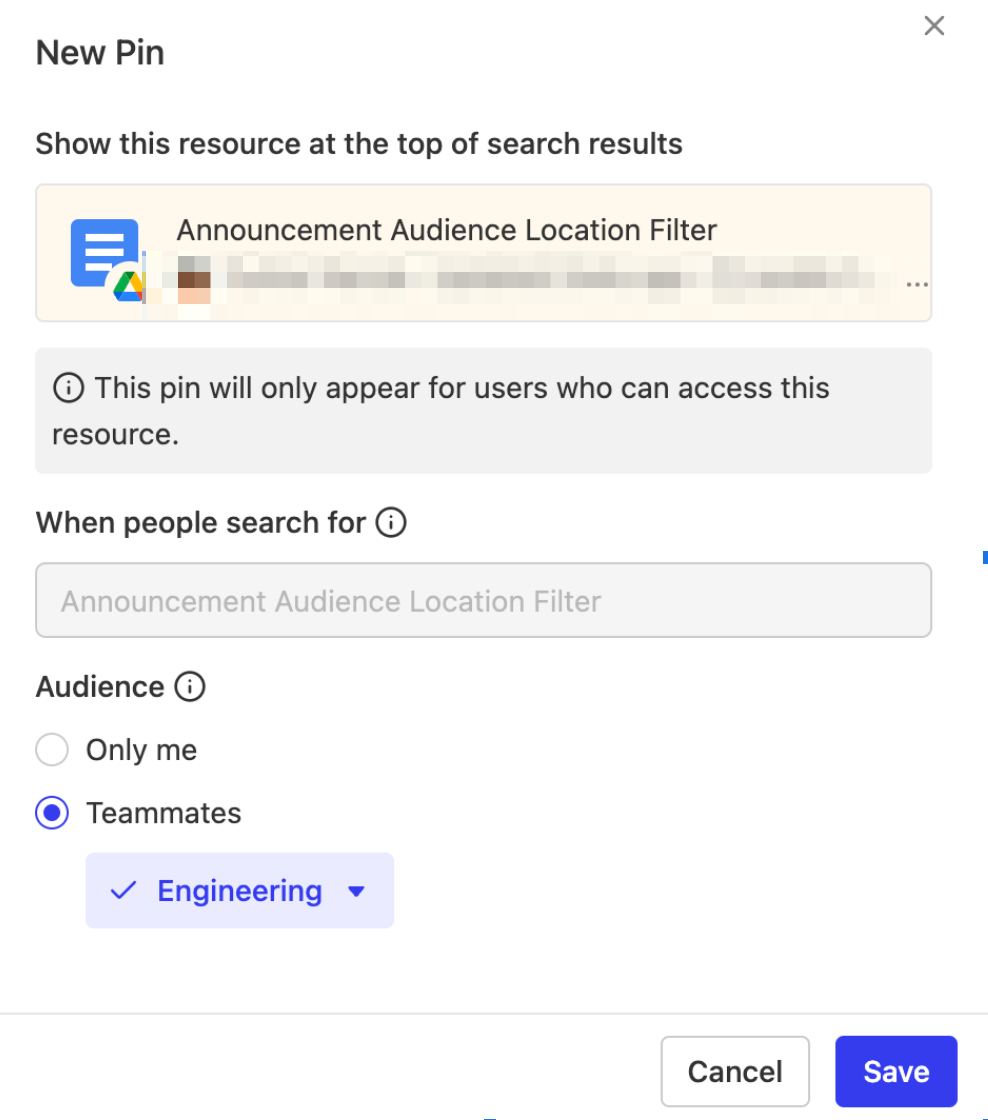
If so, the user will be able to see the linked file in two ways:
a. As a pinned item: If the user uses the exact query/keyword which matches that pin, they will see the pinned document in the search results, even if they have not visited the document before.
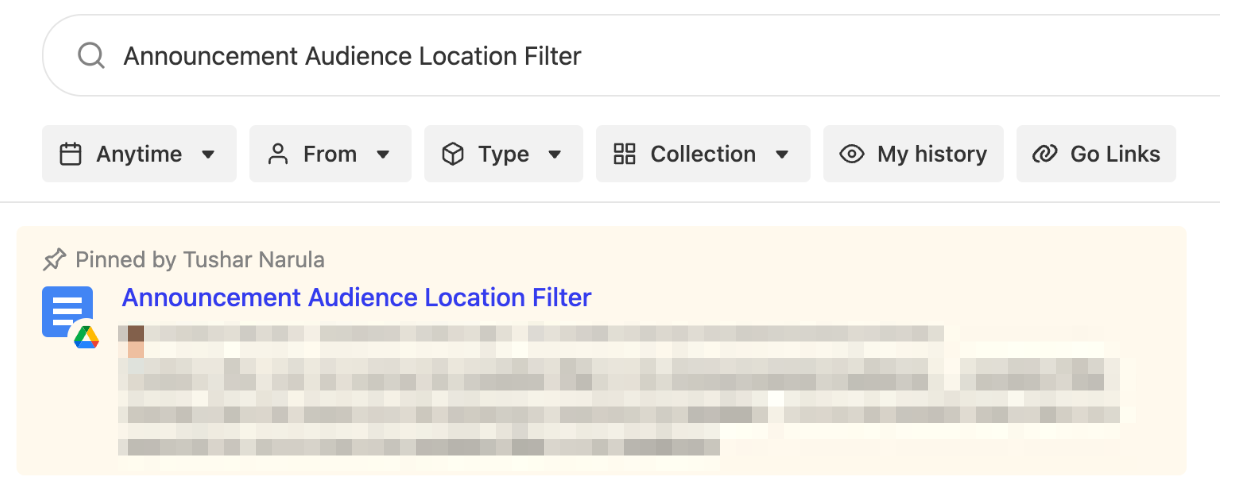
b. As an (unpinned) search result: If the query does not match exactly with the pin keyword and if the query contains a keyword that matches the document, the document will be visible in the search results as a normal (unpinned) result.