Google Tasks setup
Connect to Google Tasks
Required permissions for setup
Use a Google Super Admin account to set up this connector.
Required connector for setup
Set up the corresponding Google Drive connector first. Google Tasks reuses the Google Drive domain wide delegation client. You do not need a new service account.
Enable the Google Tasks API
-
Select the project where the Google Drive service account runs in the Google Cloud Console.
-
Enable the Google Tasks API for that project.
Add API scopes
-
Sign in as an administrator and open the Domain wide Delegation section in Google Admin Console.
-
Choose
Editon the API client used while connecting to Google Drive. -
Copy and paste the following into the OAuth scopes (comma separated) field and click Authorize:
https://www.googleapis.com/auth/tasks.readonly,https://www.googleapis.com/auth/admin.reports.audit.readonly
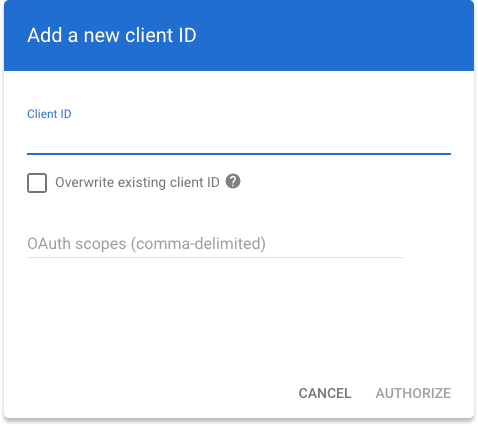
Add an associated Google Drive instance
- Select the connected Google Drive instance to associate with this connector.
Click Save in Glean.