Gleanbot behavior during Slack RTS migration
When migrating from the legacy Slack app (e.g., Enterprise Graph) to the new Glean app, both bots will coexist within the workspace. Users may also experience a short period of intermittent responsiveness. This section outlines the step-by-step behavior to help admins manage user expectations.
Identifying the bots
To help users distinguish between the two apps, refer to their names:
- Glean: The primary interface for all searches,
@Gleanmentions, and Glean queries. - Enterprise Graph: The legacy Glean app, now renamed to Enterprise Graph.
Before migration
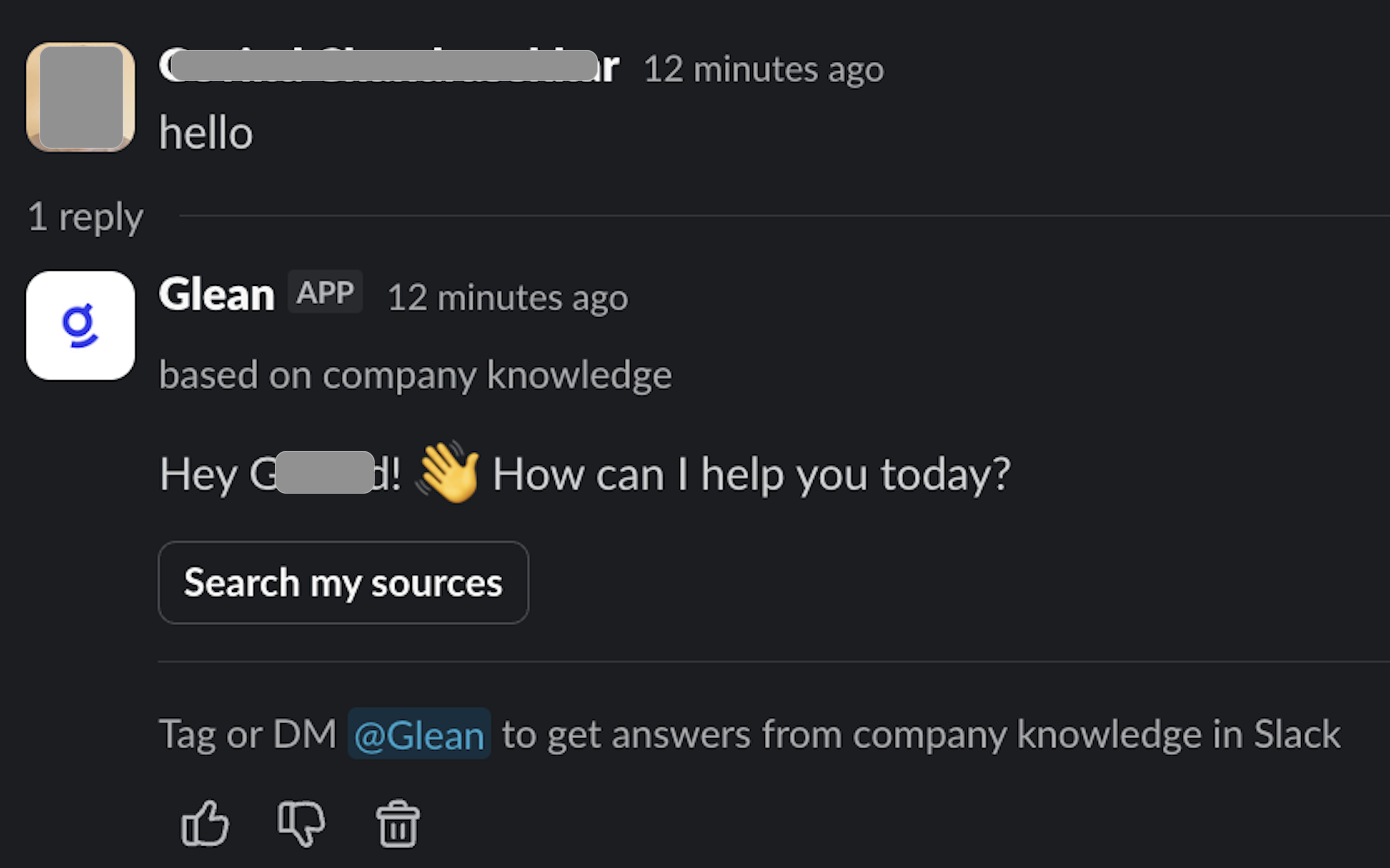
In channels where the legacy Gleanbot app is installed before the migration:
- Users see a single Glean app in Slack.
- Mentions like
@Glean hifunction normally and the bot replies in-thread with a greeting and follow-up question based on company knowledge.
Phase 1: Migration initiation
When the administrator begins the migration and installs the new Glean app, the legacy app initiates a hand-off. During this stage, the legacy @Glean app is automatically renamed to Enterprise Graph.
A new Glean app appears in the workspace, and turns up when users type @Glean.
Phase 2: Migration process
Once migration is initiated, a synchronization process kicks in which typically takes ~20-30 minutes.
During this phase, app functionality may be impacted or experience intermittent responsiveness. The new Glean app may not respond to queries until the synchronization is finalized.
Further, Slack actions initiated by agents, via the assistant or elsewhere may stop working.
In Slack, you will begin to see Enterprise Graph invite the Glean app into channels where it was added. This may be paired with a system message that looks similar to: Glean was added to #<channel-name> by Enterprise Graph.

Depending on the workspace’s Slack notification settings, this message may be easy to miss or de‑emphasized by noise filters. For more information, see Minimizing channel noise from bot joins.
Phase 3: Post-migration active state
Once migration is complete, the new Glean app becomes the primary responder.
Further, agents in Slack and Slack tools will continue to work as before.
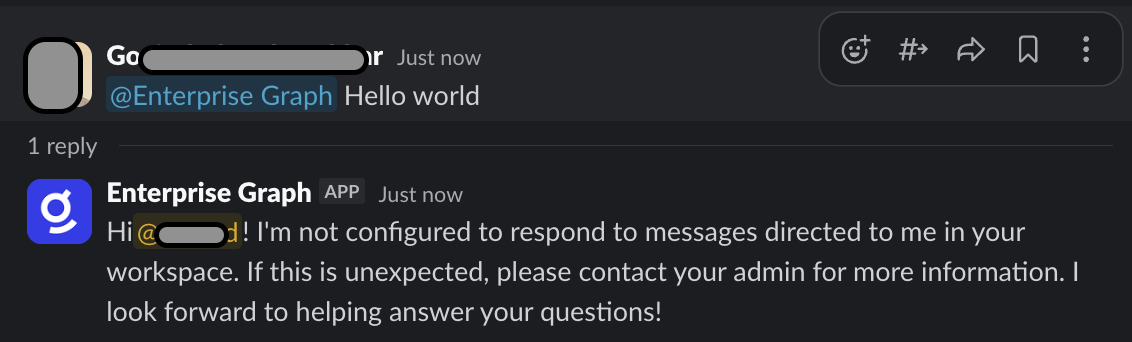
If a user interacts with the legacy app, it may reply that it is not configured to respond and directs the user to an administrator.
Required: End-user authorization
Independent of the migration status, each user must authorize Glean to access their data via the RTS connector. This is a one-time, per-user requirement to ensure the highest quality of search results.
Authorization prompts
Users may encounter "Action Required" messages in three locations:
-
In Slack: When mentioning
@Glean, users may see a card:Action required: Reconnect Slack. Slack's API changes require reauthorization.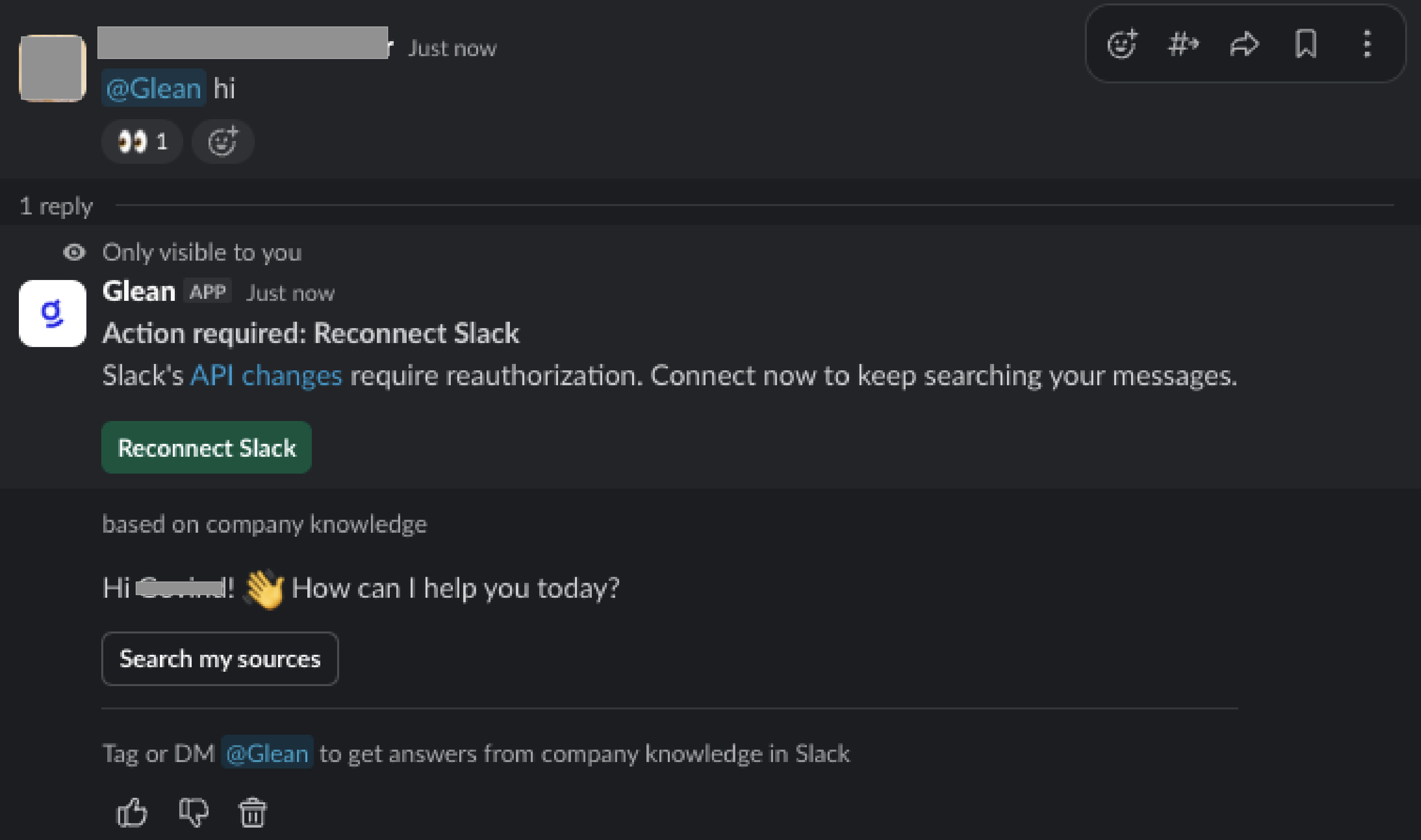
-
In Search on Web: A blue banner appears:
Finish setting up Slack to see relevant conversations in your search results.
-
In Glean on Web: Glean queries will begin to prompt users with a Connect button to authorize the new Real Time Search connector.
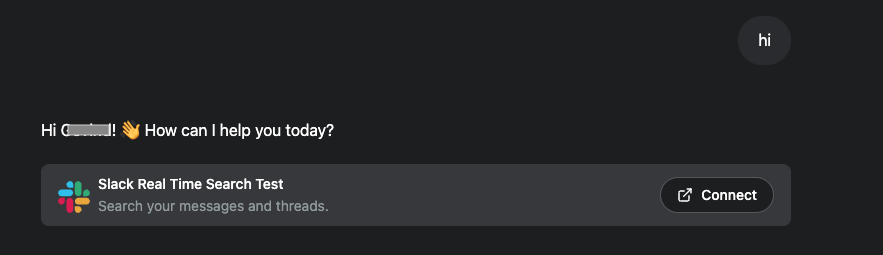
Note: The Glean app will function regardless of this authorization, but users must complete this step for Glean to use Slack RTS data on their behalf and provide higher-quality Slack-related results.
Recommended user communication
To minimize confusion, share the following expectations with the workspace before initiating the migration:
- Dual bot visibility: Both "Enterprise Graph" and "Glean" will appear in channels. Direct all new queries to @Glean.
- Temporary "Quiet Period": Expect a short window (typically 20–30 minutes) where bot functionality is limited while migration executes.
- End-user authorization: Users may be prompted once to "Reconnect or Connect Slack."
- New primary bot: Once the migration is complete, the new Glean bot will handle all search and assistant requests.