Automate tasks with agents and tools
Once your teammates are searching in Glean, the next step is to use agents and tools to automate the work that surrounds those searches — drafting emails, updating records, creating tickets, summarizing pull requests, and more.
Open the agents and tools setup
In the Get the most out of Glean section, select Automate tasks by enabling AI-powered agents and actions.
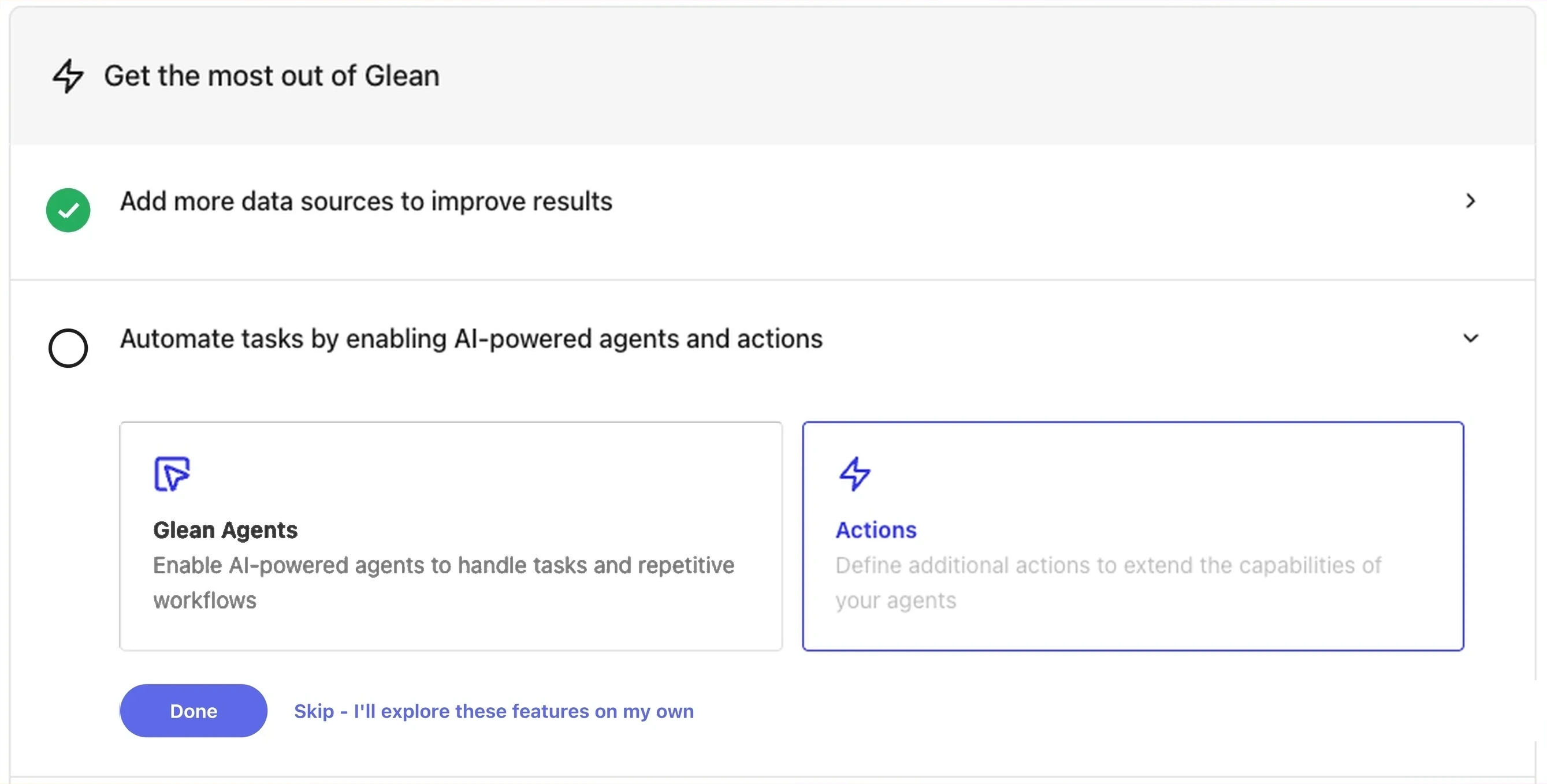
Automate tasks with agents and tools
To explore agents and tools directly, go to the Agents and Tools sections of the docs.
Glean agents
Agents are AI assistants that can chain multiple steps together to complete a task. They search across your connected apps, generate content, and call tools to take action.
- Agents — overview, building agents, sharing, and access
- Managing agent library — curate which agents are available to your organization
- Agent access — control who can run which agents
Glean tools
Tools are integrations that let agents (and Glean Assistant) take action in your connected apps — create Jira tickets, update Salesforce opportunities, send Slack messages, and more.
- Tools overview — what tools are and how they work
- Managing role-based access for tools — control who can run which tools
Where to start
A common first step is to enable tools for the connectors your teammates use most. For example, if your team lives in Slack and Jira, enabling the Slack and Jira tools lets agents draft messages and update tickets directly from Glean Assistant.
See also
- Connectors Hub — connectors are the foundation that tools and agents build on
- Agents insights for admins — measure agent usage and impact