Enhance results with more connectors
Once your initial users are searching in Glean, the next way to improve results is to expand the set of connectors that Glean indexes. The more company knowledge Glean can crawl, the more useful search, Glean Assistant, and agents become.
Open the connector catalog
In the Get the most out of Glean section, select Add more connectors to improve results.
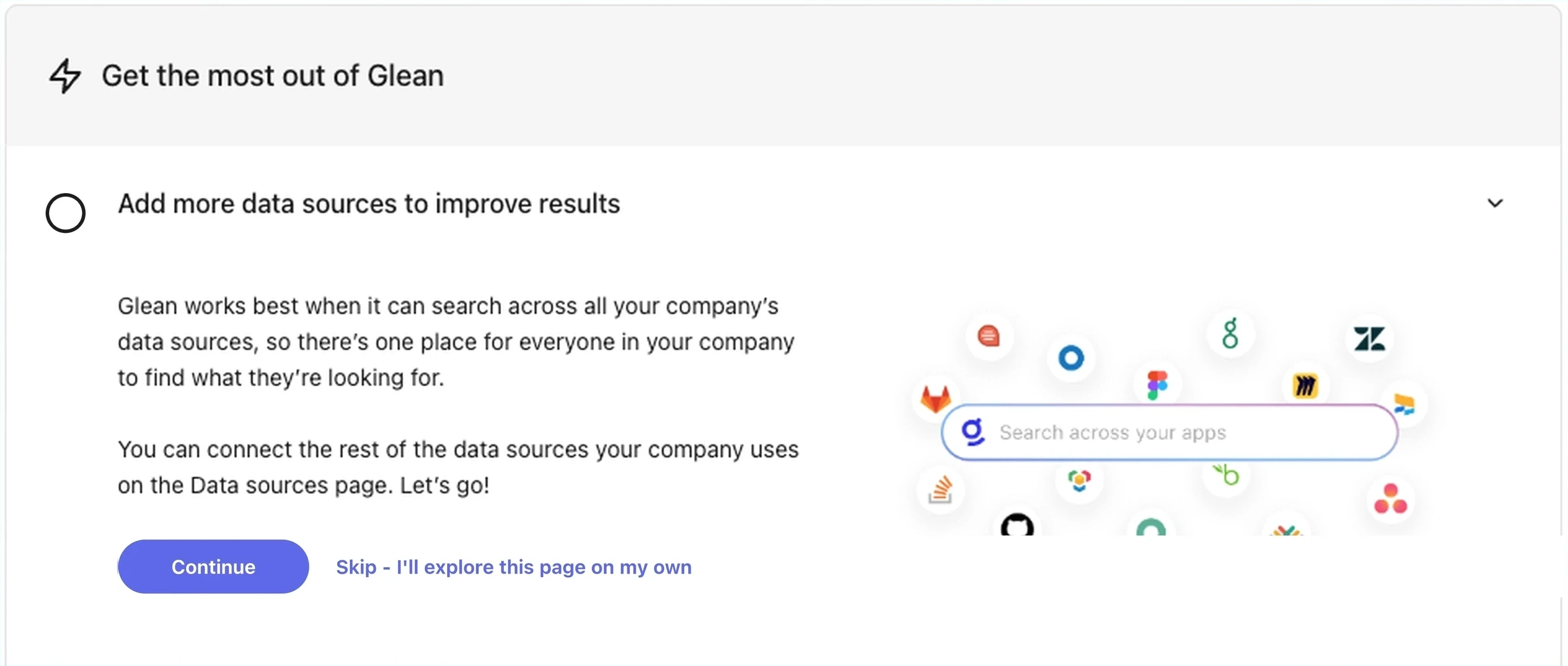
Enhance results with more connectors
To browse connectors directly, go to the Connectors Hub.
Why add more connectors after launch
The connectors you set up during initial deployment cover the highest-value apps for most organizations — typically a document store, a chat platform, and a project tracker. After launch, expand to:
- Apps that surface knowledge for specific teams. For example, Salesforce for go-to-market, GitHub for engineering, Zendesk for support.
- Specialized apps where employees ask repetitive questions, such as HRIS, finance, and IT service management.
- Communication or collaboration apps that contain decisions and context, such as Notion, Asana, Linear, and Microsoft Teams.
Each connector you add deepens Glean's understanding of your organization and improves the quality of answers, suggestions, and agent responses.
Configure a new connector
To configure a new connector, follow the same flow as during initial setup—see Add connectors for the general process, then refer to the connector-specific setup guide for credentials and configuration details.
See also
- Add connectors: the general setup flow
- Manage connectors: monitor sync progress and connector health
- Excluding content — apply inclusion (greenlist) and exclusion (redlist) rules to control what Glean crawls
- Connector settings and visibility — use the Manage data tab and visibility settings on a per-connector basis
- Crawling FAQ — common questions about crawl timing, restrictions, and behavior
- Crawling and learning process — what happens after you start a crawl