Manage LLM and Assistant settings
Glean Assistant uses both company and public knowledge to help users create, summarize, analyze, and execute work. Use this task to choose your LLM provider and define how Assistant responds before launching to end users.
tip
This task is optional and you can complete it at any time.
Open the Assistant setup
In the Prepare your workspace for better results section, select Manage LLM and Assistant settings to choose your LLM provider and configure how Assistant responds.
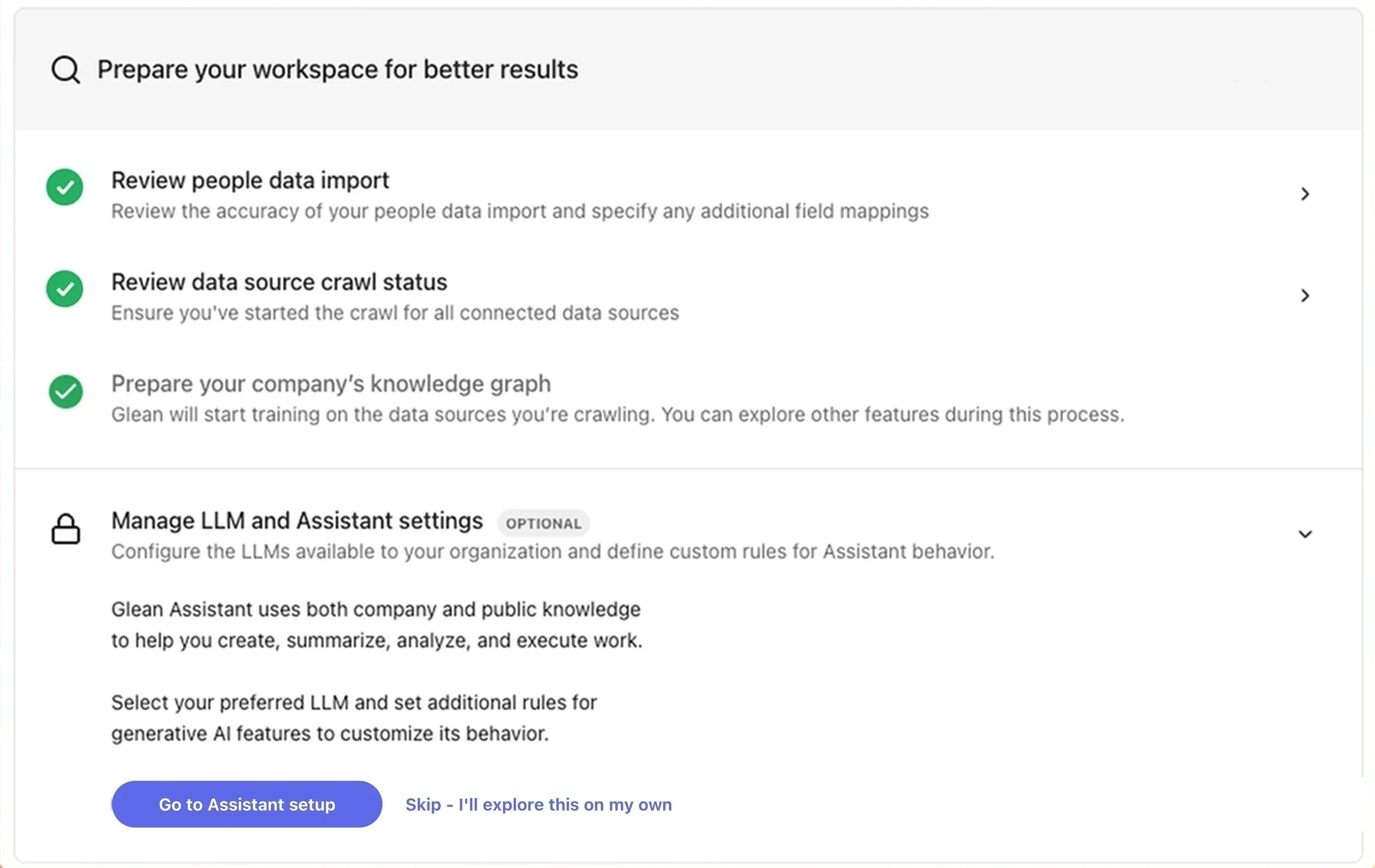
Manage LLM and Assistant settings
To open this task directly, go to Platform → Assistant in the Admin console. To skip and configure later, select the Skip option.
What you can configure
From the Assistant setup page, you can:
- Select your preferred LLM provider. Glean supports OpenAI, Anthropic, Google, and Amazon models via the Model Hub.
- Define custom instructions that shape how Assistant responds.
- Apply content restrictions to control which content Assistant can use.
- Configure chat history retention.