Review connector crawl status
When you finish setting up a connector in Stage 1: Create workspace, Glean does not start the crawl automatically. Use this task to start the crawl for each connected source and monitor its progress.
Start the crawls
In the Prepare your workspace for better results section, select Review connector crawl status to start crawls for your connectors.
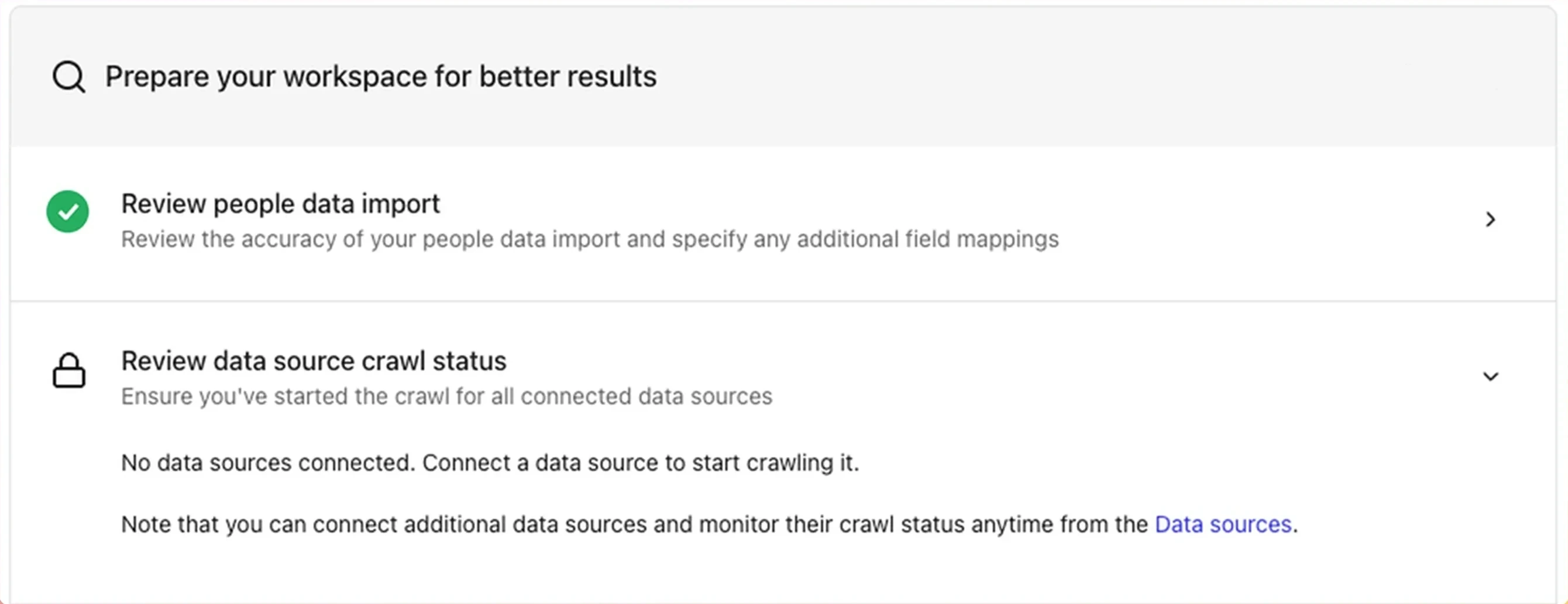
Review connector crawl status
Select connectors to crawl
From the Review connector crawl status task, select the checkbox next to each connector whose crawl you want to start.
Enable the crawl
Click Enable crawl next to the selected connector. (After your workspace launches, this button is labeled Start crawl.) The status updates to Crawl started.
Monitor progress
Go to Admin console → Platform → Connectors to monitor sync progress. Each connector moves through Crawling (Step 1/2) → Indexing (Step 2/2) → All connectors as the initial sync completes.
Status and metrics refresh on an hourly cadence. The metrics column shows Crawl rate during the initial sync and Change rate once steady state is reached. For more detail, see Monitoring connectors.
See also
- Add connectors: the workspace-setup step where you add connectors
- Monitoring connectors
- Crawling FAQ
- Crawling and learning process