Review people data import
Once Glean finishes the initial sync of your people connector, confirm the imported data is correct before going live. Inaccurate or incomplete people data degrades search relevance, the directory, and the org chart.
Review the people data task
In the Prepare your workspace for better results section, select Review people data import to verify your imported people data.
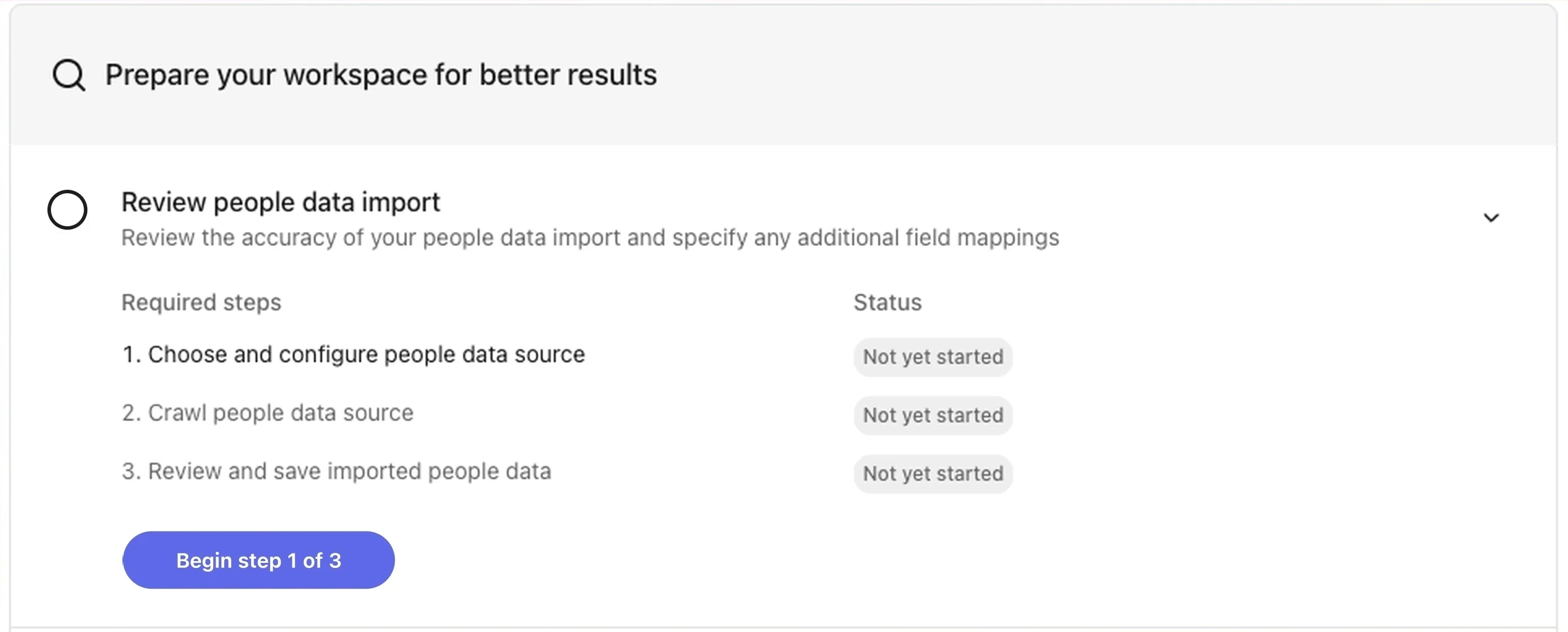
Review people data import
This task has two sub-steps:
Map source attributes to Glean attributes
If your people connector supports custom mapping, align directory fields with Glean's standard attributes. For example, map an Okta managerEmail field to Glean's Manager attribute. See Attribute mapping for what each Glean attribute means and which connectors support custom mappings.
Review and save imported people data
Confirm the previewed records look correct. Pay attention to the Attention required tab on the People data page, which surfaces profiles with missing required fields such as department or manager. See People data issues for resolution steps.
To open this task directly, go to Users and permissions → People data in the Admin console.
Address any Attention required items before launching to your users. Missing manager or department fields propagate into the org chart and search ranking signals.
See also
- Sync people data — the workspace-setup step where you select a people connector
- Attribute mapping
- People data issues