Use Glean for Desktop
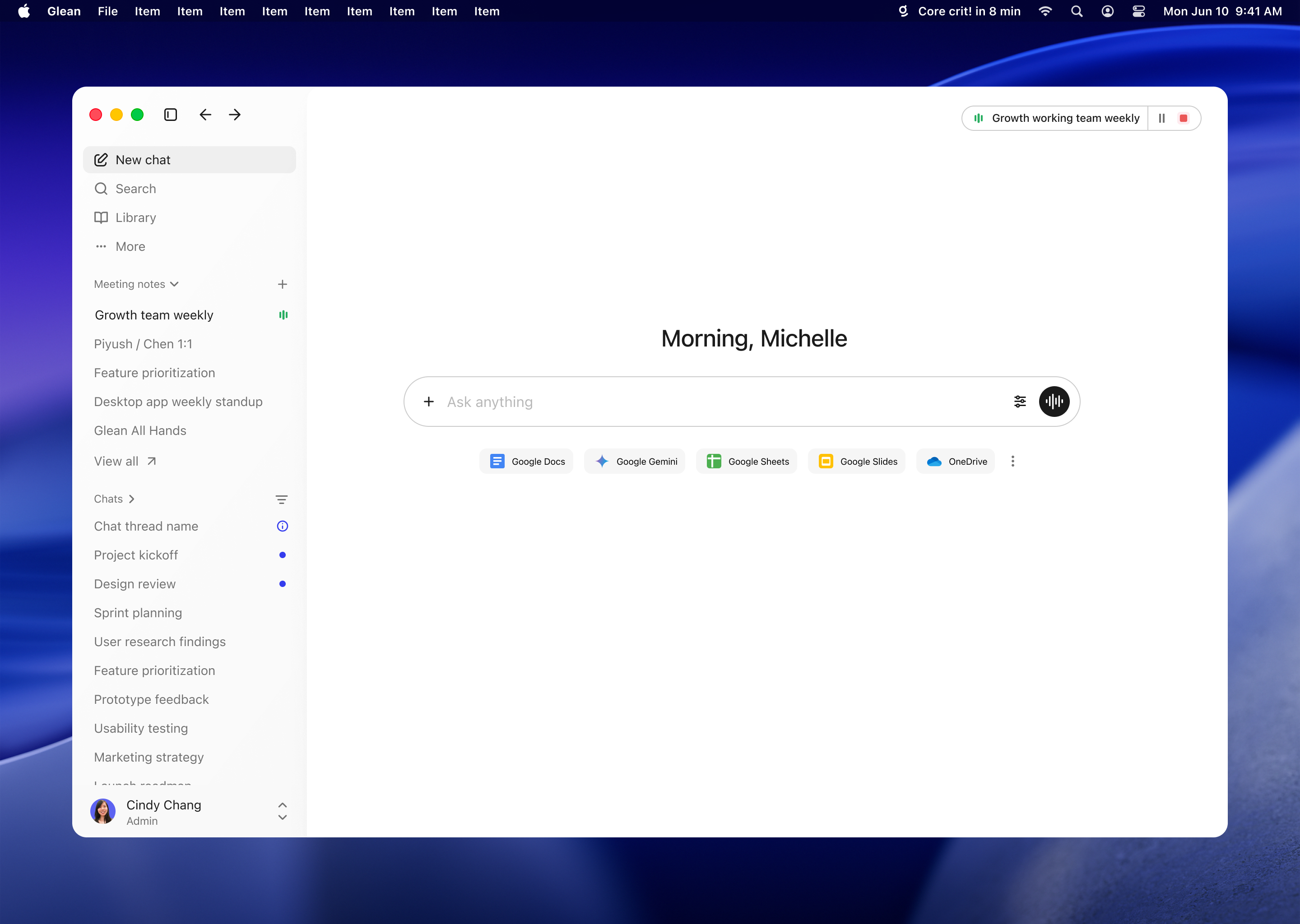
Glean for Desktop puts search and chat on your Mac or Windows machine. Invoke quick entry from any application to run a search or start a chat without switching to a browser tab.
The macOS version of Glean for Desktop distributed through the Mac App Store is deprecated and is no longer available for new installations. Existing App Store users should migrate to the supported direct-download build. Learn more about the deprecation and installation options.
About the desktop app
Mac App Store version deprecation
Glean is retiring the Mac App Store distribution path for the macOS desktop app. This does not retire Glean for Desktop. The supported direct-download build provides the complete desktop feature set.
To install the supported build:
- Individual installation: Download the DMG or use Glean Settings → Install.
- Managed deployment: Ask your administrator to deploy Glean for Desktop for macOS.
Setting up the app
You can download the desktop app from your Glean install settings, or use the following links. After you install the app, sign in to Glean.
For macOS:
For Windows:
In the app's settings, you can make the following adjustments to your experience:
- Quick entry shortcut controls the keyboard shortcut that opens quick entry anywhere on your machine. It is Cmd+Shift+J on macOS and Ctrl+Shift+J on Windows by default, and can be changed to any key combination.
- Hide menu bar icon hides the Glean menu bar icon on macOS when turned on.
- Hide from dock hides the Glean icon from the macOS Dock. If the app is pinned to the Dock, its icon will not be hidden, even when this setting is turned on.
- Open quick entry results in browser causes search and chat queries from quick entry to open in your default browser, rather than the Glean app window, similar to the default Spotlight behavior on macOS.
Important notes
- Glean will not search local files, such as content on your desktop.
- On macOS, the app requires macOS 12 ("Monterey") or later.
- On Windows, the app requires Windows 10 or later, on 64-bit (x64) or ARM64.
Controlling automatic updates
We provide system preferences to control automatic updates. You can disable automatic updates on a per-user basis. This may be helpful for testing new versions of the app before releasing them, or for gradually rolling out app updates. To maintain app reliability and security, we recommend updating Glean whenever a new app version is released.
To prevent Glean from automatically checking for updates, run the following terminal command as each user who will be running the Glean desktop app:
defaults write /Users/$USER/Library/Preferences/com.glean.desktop GleanNoAutoUpdates -bool YES
Use the following command to re-enable automatic updates:
defaults write /Users/$USER/Library/Preferences/com.glean.desktop GleanNoAutoUpdates -bool NO
By default, automatic updates will be enabled.