Use Deep Research
Glean Deep research is an AI agent that generates detailed, citation-rich reports by synthesizing information from internal enterprise systems and the Web. It is designed to tackle complex, multi-source queries that require deeper analysis and broader context than traditional search. A typical Deep Research report spans 5–10 pages and includes fully linked citations, making it an ideal tool for strategic planning, competitive analysis, and deep learning.
Core technology
Deep Research is built on Glean’s Enterprise Knowledge Graph and integrates with over 100 enterprise systems, including Google Drive, Slack, and ServiceNow. It utilizes GPT 5.1, the leading reasoning model from OpenAI, which excels at in-depth research and instruction following.
When to use Deep research
Use Deep Research when your query requires synthesis, analysis, or strategic insight. It is not intended for basic fact lookups, which are better suited for standard chat.
| Category | Use Case Example |
|---|---|
| Track | Project Tracking and Risk Management: Analyze recent issues faced by a customer. Review data from Jira, Gong, and Slack to identify the issues and their current status. |
| Learn | Competitive Analysis: Identify new product launches in a specific feature area by a competitor. Review their blogs, marketing materials, and news releases. |
| Analyze | Strategic Planning: Analyze a specific business area to uncover untapped opportunities for expansion. Examine Gong calls, Slack threads, and Salesforce activity to find feature requests, recurring usage patterns, or customer-led workarounds. |
How it works
The agent performs a multi-step process to generate a report, ensuring thoroughness and accuracy:
- Searches Multiple Sources: Glean finds and retrieves relevant information from your enterprise knowledge base and the web.
- Synthesizes Information: The agent synthesizes outputs from multiple AI models to analyze the retrieved information.
- Generates a Detailed Report: The final output is a structured, detailed report with fully linked citations.
Prerequisites
Deep Research must be enabled by your admin before you can use it.
Your admin must enable Deep Research for your organization. For configuration details, see Deep Research.
How to run Deep Research
Access Deep research
-
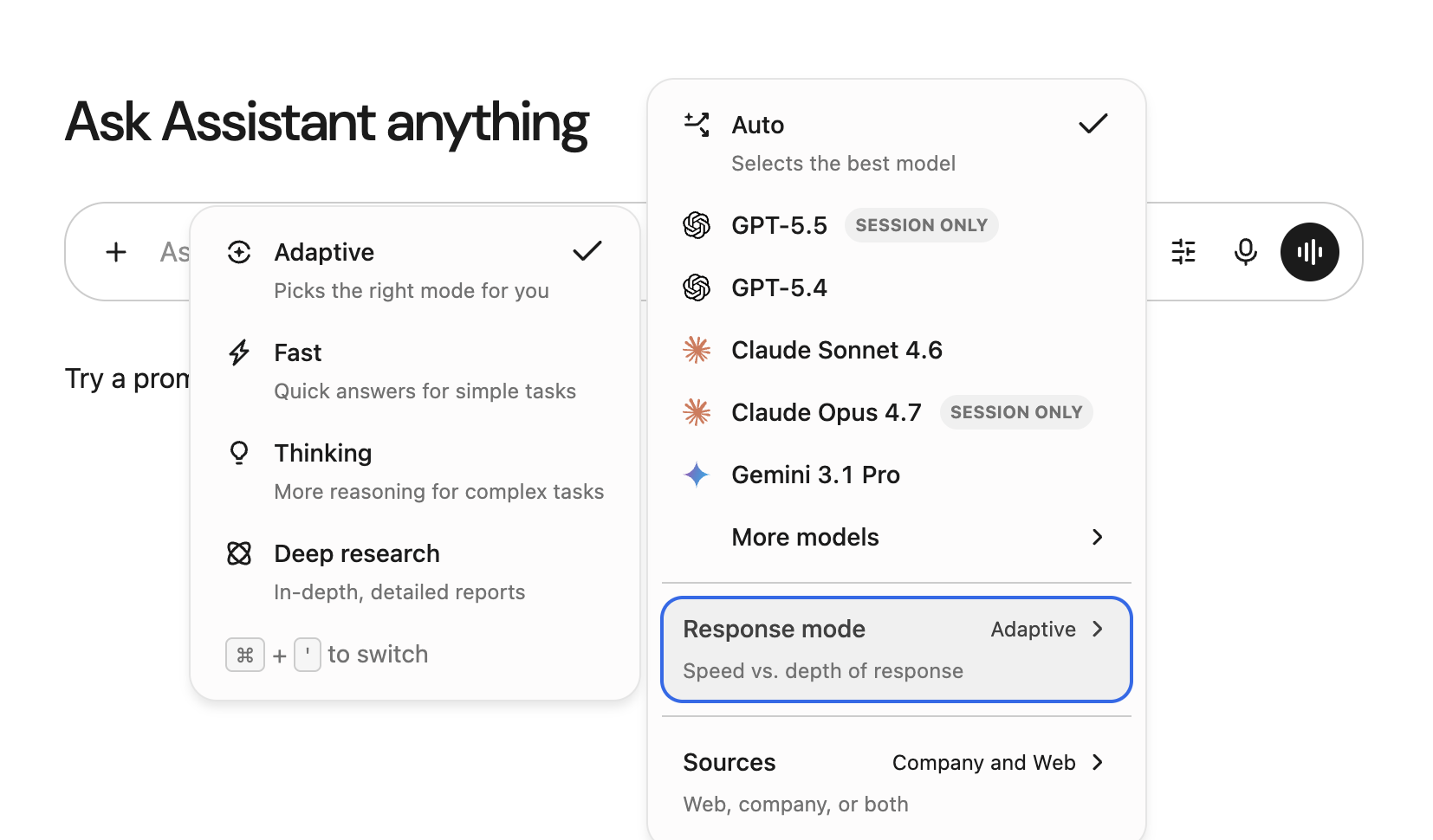
In Glean, click Chat and select Deep research mode.
Write your query
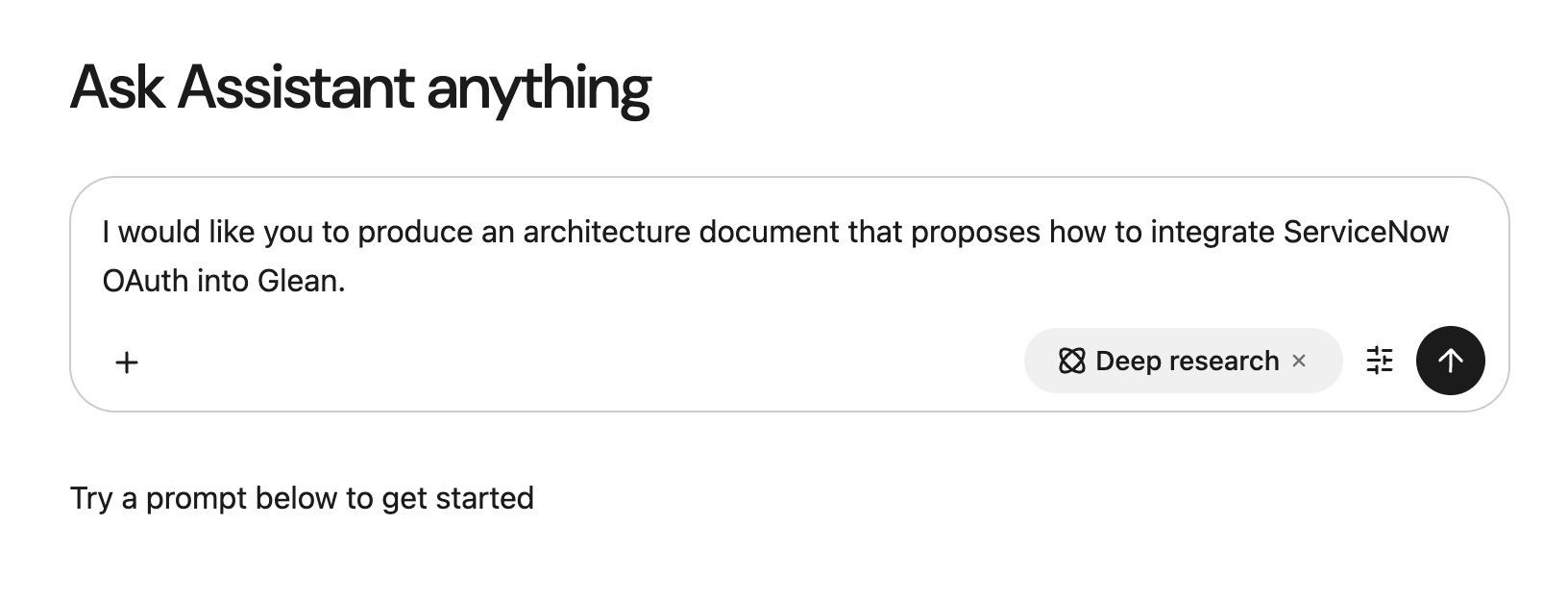
Deep research performs best when you provide more detail. A strong query should clearly state your research goals and, if possible, include specific sources to reference.
-
State your goals: Clearly explain what you want to achieve.
-
Provide context: Add details by referencing specific documents, teams, or systems.
Wait for your report
After submitting your query, the agent will begin its research. Generating a full report typically takes 5–30 minutes, depending on the complexity of the query and the number of sources.
Technical specifications
This section provides key details on the product's access, usage, and technology.
- Supported platforms: Deep Research is currently supported on our web application only. We will roll out to other platforms, such as mobile and desktop, in the coming months.
- LLM key support: Deep Research supports the Glean Universal Key and Customer Key (BYOK). Customer Key supports all models (GPT-5, GPT-5.1, Claude Sonnet 4.5, and Gemini Pro 3) and all model providers (Azure OpenAI, AWS Bedrock, and Google Vertex AI).
- Web search: Deep Research exclusively uses Brave Web Search for all web content.
- Actions: Deep Research does not support actions from connected apps (MCP tools). It is a read-only research agent focused on synthesizing information. To run actions, use Thinking mode in standard chat instead.