Validate crawl behavior
Setting up a Website connector involves complex, interdependent configurations such as authentication flows, site fetch rules, and Client-Side Rendering (CSR). Traditionally, admins only discovered misconfigurations after waiting hours for a full crawl and indexing cycle to complete.
The Validate setup option eliminates this delay by providing validation tools directly within the setup flow. By previewing crawl behavior and content before initiating a full crawl, admins can immediately verify configurations, correct errors, and ensure the expected index results. This surfaces potential issues early, reducing deployment timelines and improving the onboarding experience.
Setup instructions
-
Navigate to the Glean admin console.
-
Go to Connectors tab.
-
Click Add connector and select Website.
-
Configure the Website connector as described in the Website connector guide.
-
Click Validate setup (optional).
-
Use the Crawl summary and Test a specific URL options to verify your configuration and resolve potential indexing issues before scheduling a full crawl.
note
Pages that require client-side rendering (CSR) cannot be previewed. :::
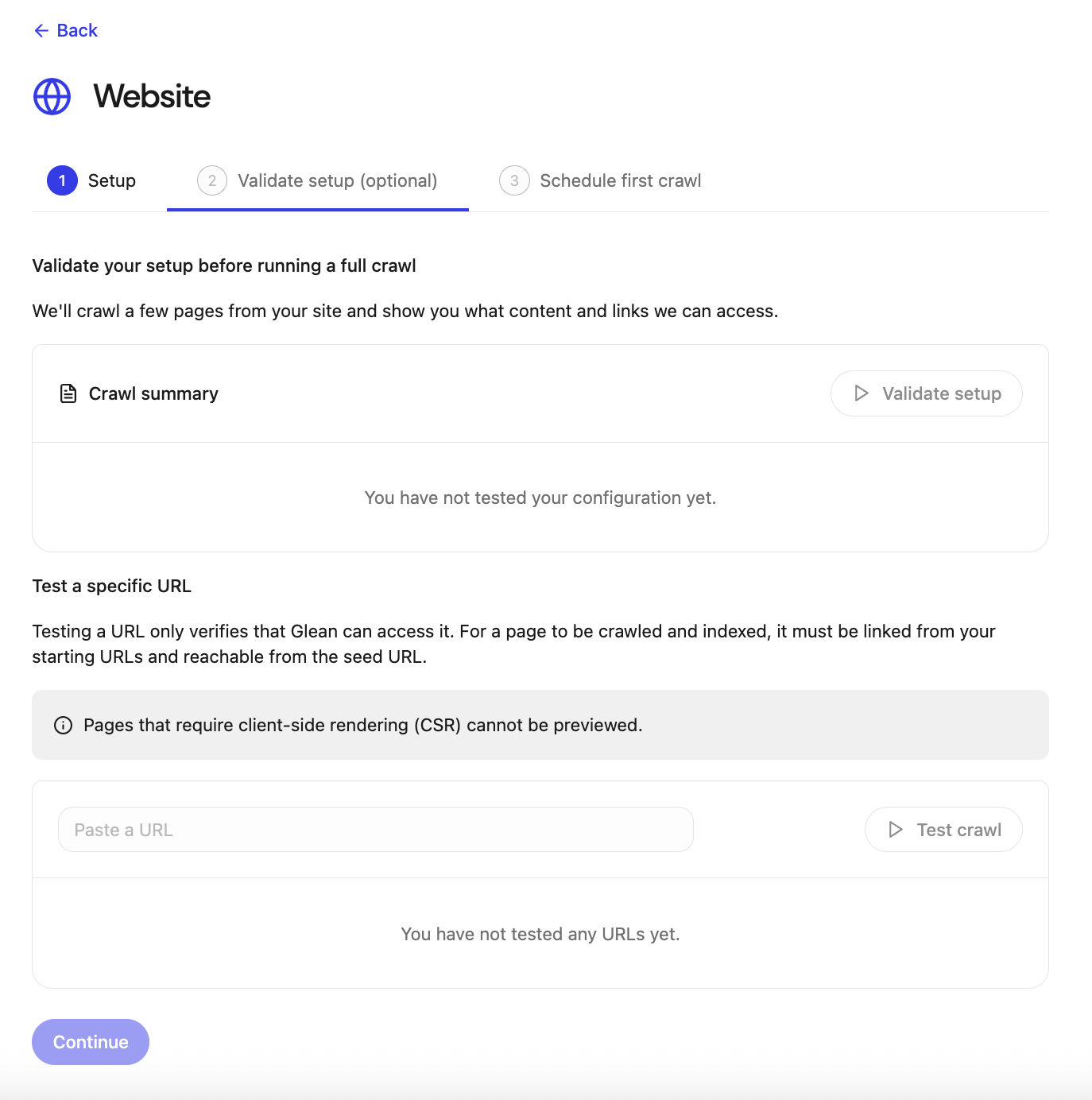
Crawl summary
The Crawl summary allows you to verify your site configuration by performing a limited crawl to preview the content and links accessible to Glean.
- Click Validate setup in the Crawl summary panel. This crawls a few pages from your site and show you what content and links Glean can access.
Test a specific URL
Testing a URL verifies that Glean can access it under your current configuration. It is important to note that for a page to be crawled and indexed, it must be linked from your starting URLs and reachable from the seed URL.
- Paste a URL that you want to verify.
- Click Test crawl.
- Review the results:
- Verify that the request succeeded and was not redirected to a login or error page.
- Confirm that the main page content and child links are correctly identified.
Expected behavior and outcomes
Successful configuration
If the configuration is correct, the preview should:
- Load page content that matches what an end user sees in the browser.
- Show a representative sample of child links consistent with:
- The configured seed URLs
- Include/exclude patterns
- Other advanced site fetch rules
Use the crawl preview to confirm the following:
- Glean is targeting the correct areas of your site.
- Glean is not being blocked by authentication or robots-equivalent constraints (within the connector's supported capabilities).
The crawl preview displays a sample of subpages to verify that your seed URLs, include/exclude rules, and content parsing work as expected. The crawl preview is not an exhaustive list of all pages that will be captured in a full crawl.
Misconfigurations and errors
When configs are incorrect, the preview will typically surface issues immediately, such as:
-
Authentication problems
- Redirects to login pages instead of the expected content.
- Pages that look like "access denied" or generic auth failures.
-
Site fetch issues
- The crawl returns no child links, or significantly fewer than you expect based on your site’s structure and configured starting URLs.
- The crawl includes pages from unintended sections (for example, marketing pages instead of documentation) despite your defined include/exclude rules.
-
Advanced configuration and CSR issues
- Partial content rendering: Pages display only part of their content because elements that depend on JavaScript (client-side rendering) are not loaded during the crawl preview.